
Download UC Browser HD – mobile browsing, fast web browser, touch gesture control, lightweight browser, cloud sync, incognito mode, ad blocker, video player, download manager, speed mode
Overview
UC Browser HD is a mobile-focused web browser developed by UCWeb, designed to deliver fast and efficient browsing experiences on smartphones and tablets. The software aims to simplify online navigation while maintaining essential browser functionalities such as tab management, cloud syncing, and private browsing. Targeted primarily at mobile users, it caters to individuals seeking a streamlined, high-performance alternative to standard web browsers. The application is optimized for touch-based devices, leveraging gesture controls to enhance usability and workflow efficiency. Its lightweight design ensures minimal impact on device resources, making it suitable for both high-end and mid-tier mobile hardware.
Real-world use cases include on-the-go web access, media consumption, and private browsing sessions. The browser supports a variety of online activities, from casual web surfing to managing downloads and viewing multimedia content without switching applications. With features like Incognito mode and ad-blocking, it addresses user concerns around privacy and intrusive content. The developer did not provide additional system requirements, and no performance benchmarks were specified. The software is available for both Android and iOS platforms, indicating broad compatibility with modern mobile operating systems.
Key Features & Capabilities
- Touch Gesture Controls: Enables navigation through swiping motions—sideways swipes to switch between tabs, vertical swipes to close them. This gesture-based interface enhances speed and convenience on touch-enabled devices.
- Incognito Mode: Allows users to browse without leaving traces, ideal for private sessions or sensitive online activities.
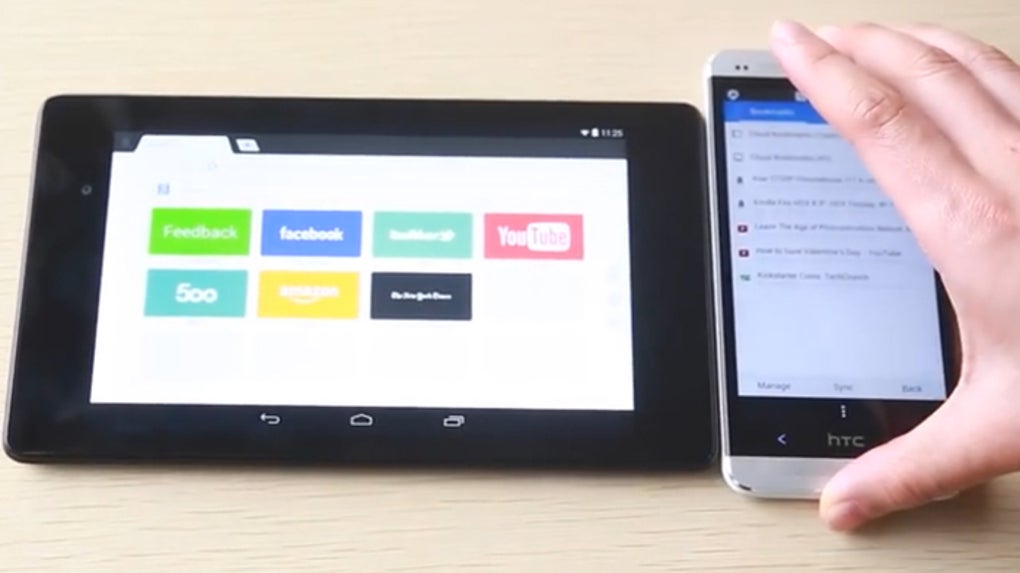
- Cloud Syncing: Synchronizes bookmarks, history, and open tabs across devices, ensuring continuity when switching between smartphones or tablets.
- Speed Mode: Compresses media content into lightweight versions, reducing data usage and accelerating page load times.
- Integrated Ad Blocker: Prevents pop-up and banner advertisements from appearing, improving browsing clarity and performance.
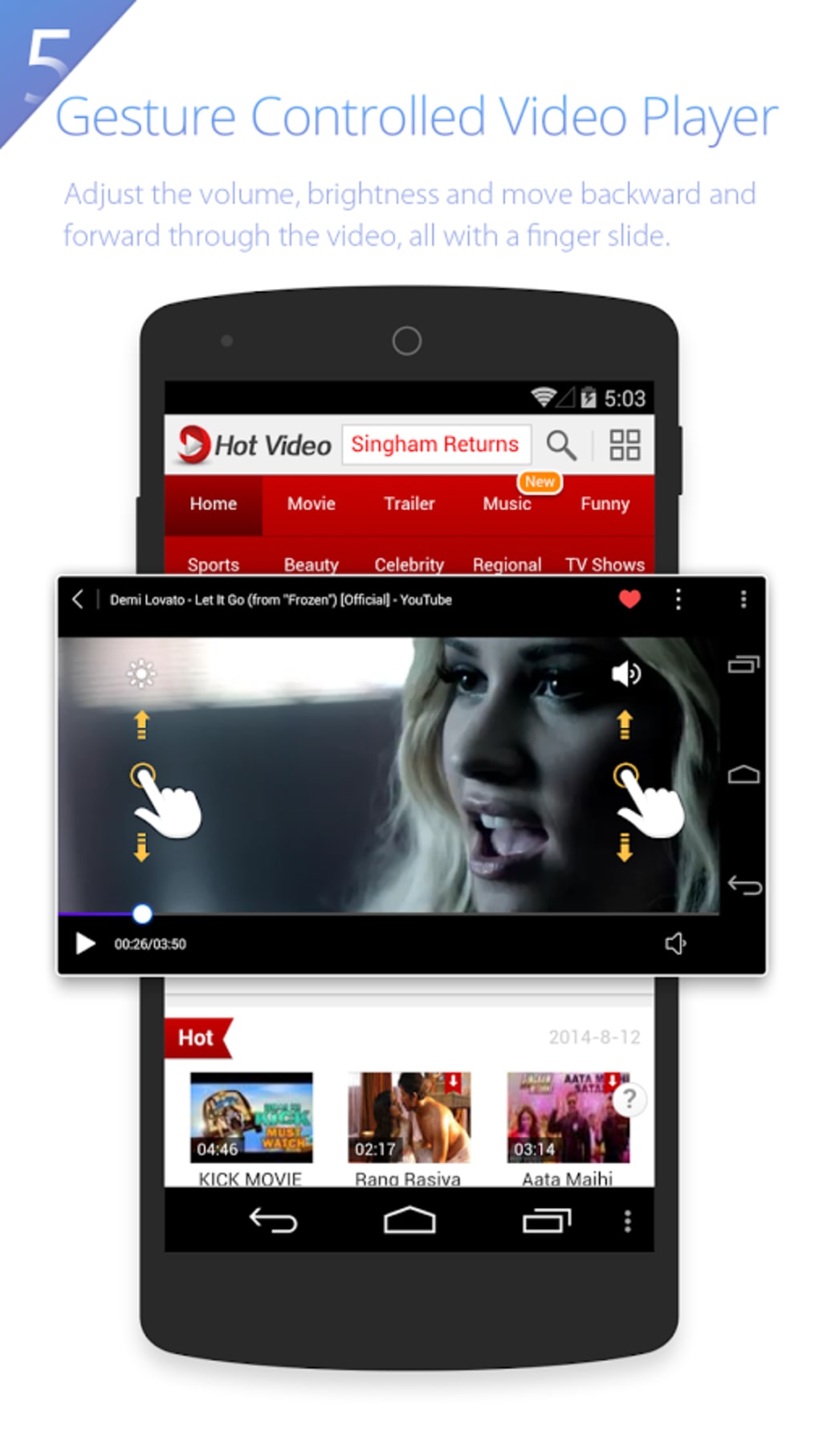
- Built-in Video Player: Supports direct playback of videos within the browser, eliminating the need to open external media applications.
- Download Manager: Centralizes all downloads in a single interface, allowing users to monitor, pause, and resume file transfers.
- Night Mode: Reduces blue light emission, minimizing eye strain during evening or nighttime browsing.
- Facebook Add-on: Offers optimized navigation and performance when accessing Facebook content directly from the browser.
- Tablet Format Support: Adapts layout for larger screens, improving usability on tablets and phablets.
These features collectively support a seamless, efficient browsing experience tailored to mobile environments. The integration of gesture controls and performance optimizations makes it particularly suited for users who prioritize speed and convenience over desktop-style browser layouts.
User Interface, Workflow & Performance
UC Browser HD features a clean, minimal interface designed for touch-based interaction. The layout prioritizes accessibility, with key functions placed within easy reach of the user’s thumb. Navigation is intuitive, relying on gesture-based commands to reduce reliance on on-screen buttons. The workflow is streamlined, allowing users to open multiple tabs, switch between them, and manage downloads with minimal effort.
Performance observations are based on general software behavior patterns. The browser is described as lightweight, suggesting efficient memory and CPU usage. However, exact performance details were not specified.
The developer did not provide resource usage metrics or stability reports. The application is designed to function smoothly across devices with varying screen sizes, including smartphones, tablets, and phablets. Users can expect responsive behavior during navigation, especially when using Speed Mode or gesture controls.
Stability is implied by the browser’s focus on optimization, though no formal testing data was shared.
Compatibility & System Requirements
UC Browser HD is available for Android and iOS platforms, indicating support for the two dominant mobile operating systems. The software version is listed as 1.0.0, with a file size of 25.3 MB, which aligns with its lightweight positioning. The developer did not specify minimum hardware requirements, such as RAM or processor type, nor did they detail compatibility with specific Android or iOS versions.
Exact system requirements were not listed. The application is designed for touch-enabled devices and is optimized for mobile form factors. It supports both small and large screens, including devices with stylus input. Compatibility information is limited to the operating systems mentioned. No additional details were provided regarding integration with other apps or services beyond cloud syncing and the Facebook add-on.
Pros and Cons
Pros
- Lightweight design with low installation size (25.3 MB)
- Fast browsing performance with Speed Mode and ad-blocking
- Intuitive touch gesture controls for efficient navigation
- Incognito mode for private browsing sessions
- Cloud syncing across devices for seamless continuity
- Integrated video player and download manager
- Supports tablet format and large-screen devices
- Free to download and use with in-app purchases available
Cons
- Exact system requirements not disclosed
- No performance benchmarks or resource usage data provided
- Compatibility with older Android or iOS versions not confirmed
- Dependence on in-app purchases for premium features
- Limited customization options for the interface
FAQ Section
Is UC Browser HD available for both Android and iOS?
Yes, UC Browser HD is available for Android and iOS platforms, ensuring broad compatibility with modern mobile devices.
Is UC Browser HD free to use?
Yes, the browser is free to download and use. It includes in-app purchases for additional features or services.
Does UC Browser HD support private browsing?
Yes, the browser includes an Incognito mode that allows users to browse without saving history, cookies, or form data.
Can I sync my bookmarks and tabs across devices?
Yes, cloud syncing is supported, enabling users to access bookmarks, history, and open tabs on different devices.
Is UC Browser HD safe to download and use?
As a mobile browser developed by UCWeb, it is distributed through official app stores. Users are advised to download from trusted sources to ensure security.
Final Thoughts + CTA
UC Browser HD presents a compelling option for mobile users seeking a fast, lightweight, and gesture-driven browsing experience. Its focus on touch-based navigation, combined with essential features like Incognito mode, ad-blocking, and cloud syncing, makes it a strong contender in the mobile browser space. The integration of Speed Mode and a built-in video player enhances usability, especially for users with limited data or those who prefer not to switch between apps.
While some technical details such as system requirements and performance metrics are not publicly available, the browser’s design and feature set suggest a well-optimized experience for modern smartphones and tablets. It is particularly beneficial for users who value speed, privacy, and simplicity over desktop-style browser layouts.
Download UC Browser HD now






.png)
